Shifts and statistics
Look up finished shifts, correct them and evaluate your own numbers.
All shifts
The Shifts tab shows your finished shifts by week, month or year. The calendar jumps to a particular period. Every row shows date, start, end and the breaks.
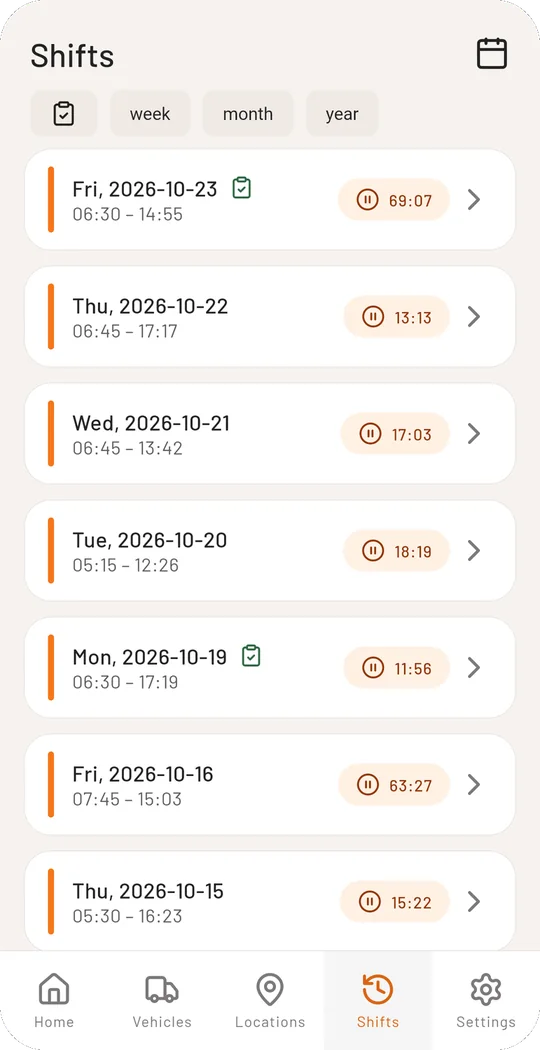
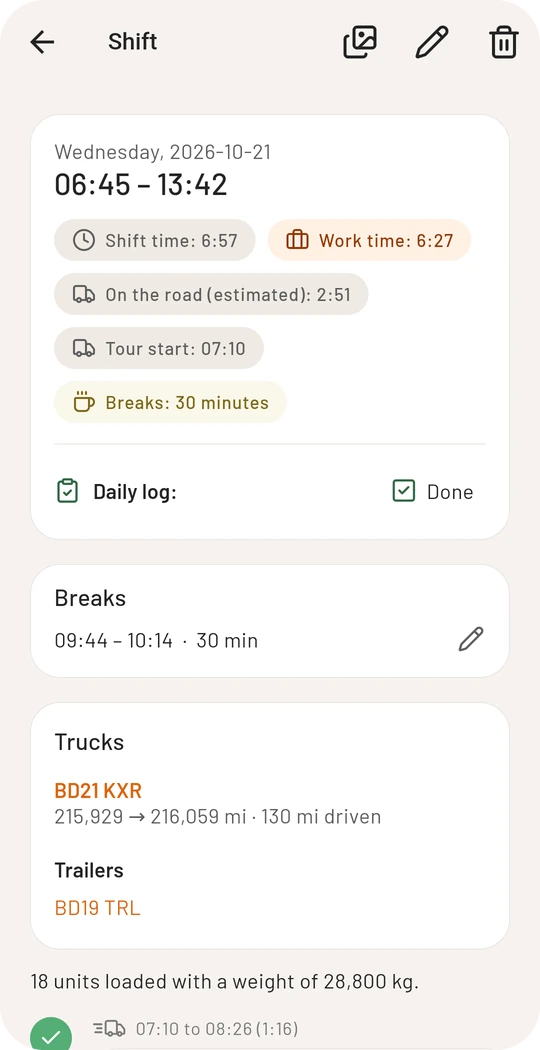
Tap a shift to open the details: shift time, work time, breaks, vehicles with mileage and below them all stops with arrival, departure, distance and loads.
Change a shift afterwards
In the details the pencil at the top right opens the editor:
- adjust start, end and tour start
- add notes
- mark the daily log as done
- delete the shift
Breaks and single stops are changed right in the details with the pencil next to them.
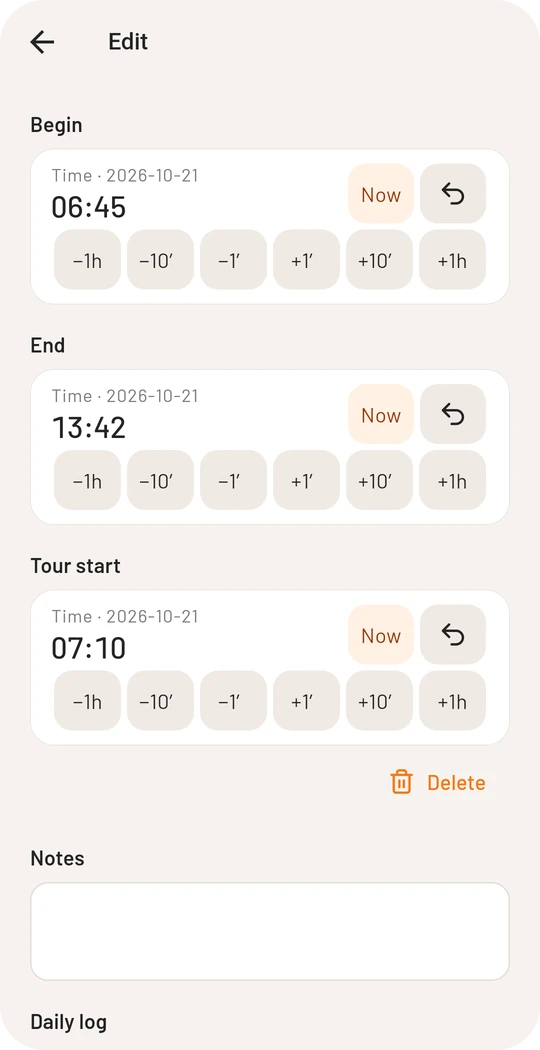
In proof mode changes are only free for 7 days after the end of the shift. After that you need a reason, and the shift can no longer be deleted.
Daily log
If some shifts need a daily log on paper, the tick works as a reminder: the shift is marked “Daily log required” when it starts and stays open until you tick it off as done. Whether the app asks always, never or every time is set in the preferences.
Statistics
The home page shows your numbers for the week, month, year or in total. Tap Statistics to open the evaluation:
- work time, mileage, tours and shifts of the month
- the mileage driven as a chart
- further figures to unfold
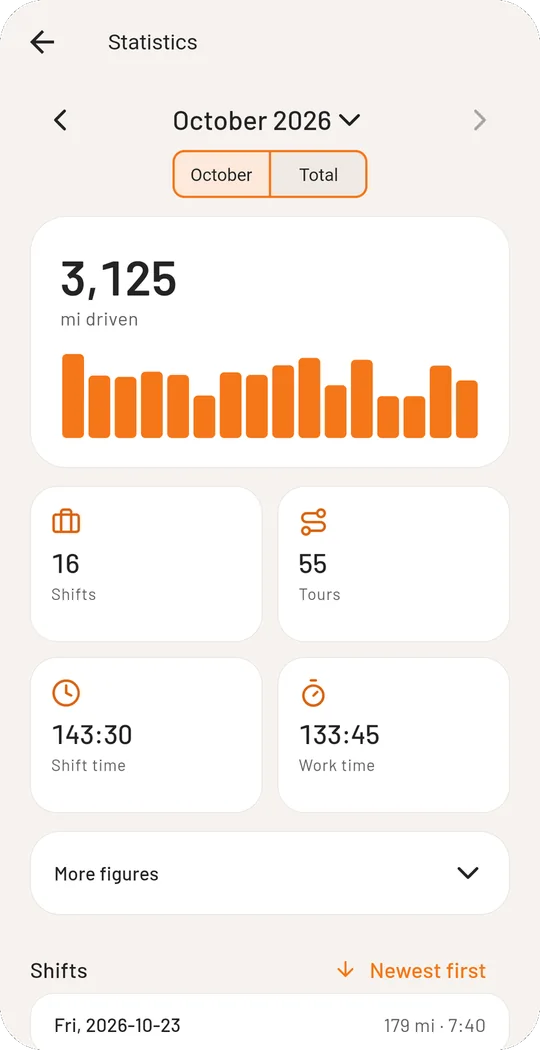
With an account you also find the expense report at the top right of the statistics.