Account, Premium and backup
What Premium adds, how to back up your data and how to move to an account.
Premium
The basic version of bordero is free: shifts, tours, locations, breaks, rest times, statistics and proof mode are included. Premium adds:
- Loads management, see Loads
- unlimited vehicles
- pictures for locations, vehicles, shifts and loads, for example photos of documents
- templates for recurring entries
- regular tours and tour optimisation, see Tours and locations
- arrival prediction: estimated arrival time and a prefilled mileage
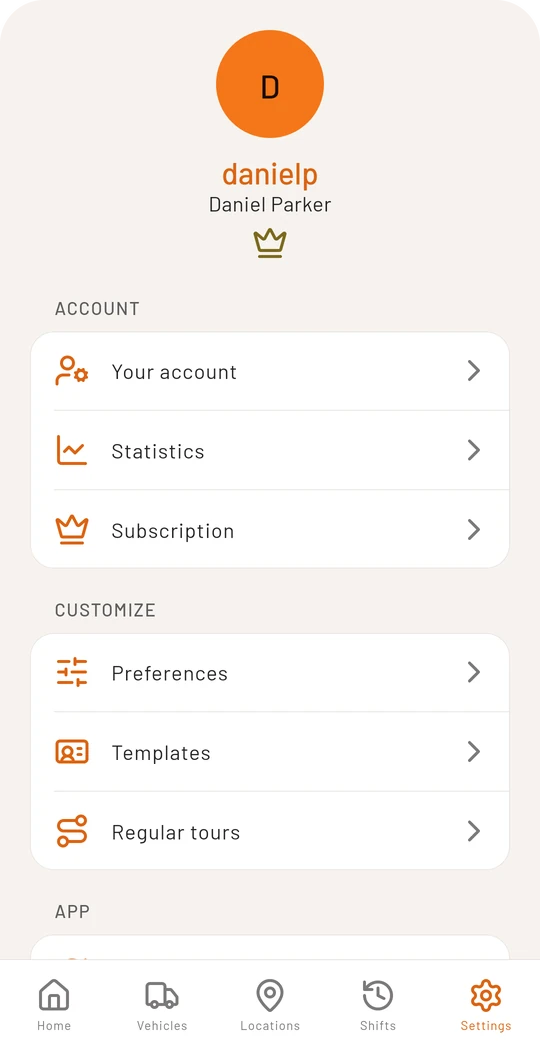
You subscribe to Premium in the Android app under Settings → Subscription. Purchase, billing and cancellation run through Google Play, where you can cancel at any time. Premium requires an account with a confirmed email address.
Backup on this device only
If you use bordero on the device only, there is no automatic backup. Under Settings → Backup you save your data to a file, ideally in your cloud storage. The app reminds you when it is time for a new backup.
When restoring, the app first shows what the file contains and lets you choose:
- Merge adds what is missing on the device. Nothing is deleted.
- Replace deletes all data on the device and takes the backup.
With an account you do not need this: your data is on the server and there on every device after signing in.
Moving from this device to an account
Under Settings → Create an account you transfer your local data to a new or existing account.
- Save a backup first and end a running shift.
- If you already have an account, everything there is kept. Places and vehicles that already exist are not created twice.
- The move works only once. After it there is no local mode on this device any more.
Deleting your account
Under Settings → Your account you can delete your account with all its data. This cannot be undone. You can optionally tell us why you are leaving, which helps us improve the app. A running Premium subscription does not end with it: cancel it at Google Play first. How to do it without the app is described under Delete account.