Multi-day tours
Plan the whole week on Monday and take open tours along from shift to shift.
In long-distance transport you often plan more stops than fit into one shift. bordero takes the tours you have not reached yet along to the next shift. Loads and vehicles stay assigned.
How it works
- Plan: add all tours of the trip at the beginning, including those for the coming days.
- End the shift: if tours are still open, the app asks whether to take them along.
- Start the next shift: the waiting tours are back in your cockpit, in the same order.
At the end of the shift: take along or leave here
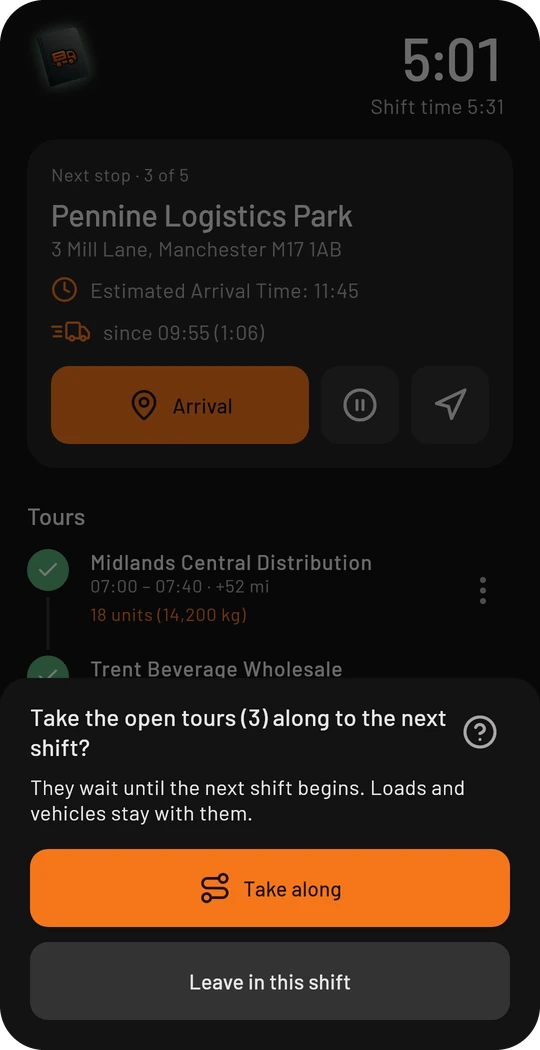
- Take along: the open tours wait until the next shift starts. The finished shift only contains the stops you really went to.
- Leave in this shift: the tours stay in the shift as not visited.
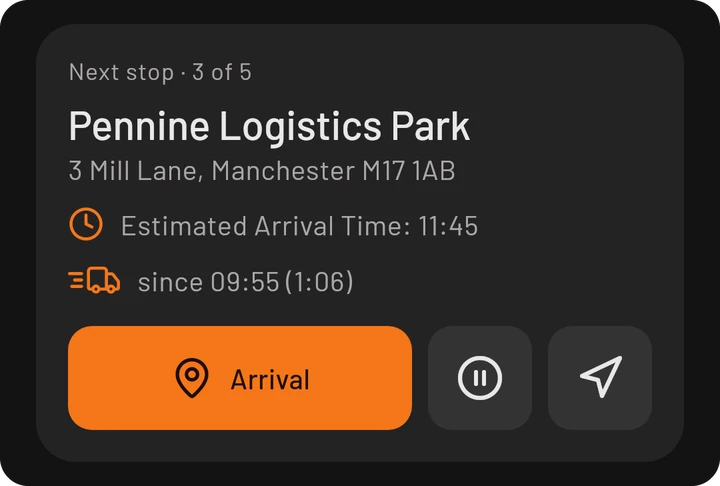
The quick way there is the pause symbol next to “Arrival” in the cockpit: it ends the shift for today while you are still on the way to the next stop.
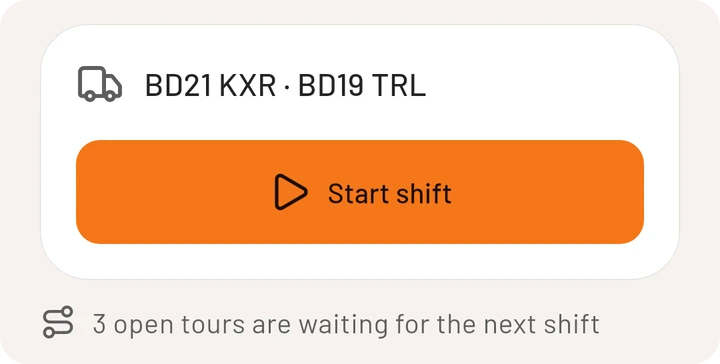
As long as tours are waiting, the home page reminds you, right below the Start shift button:
When the next shift starts
When you start the next shift, the switch Resume the open tours is on. Leave it on and you continue exactly where you stopped.
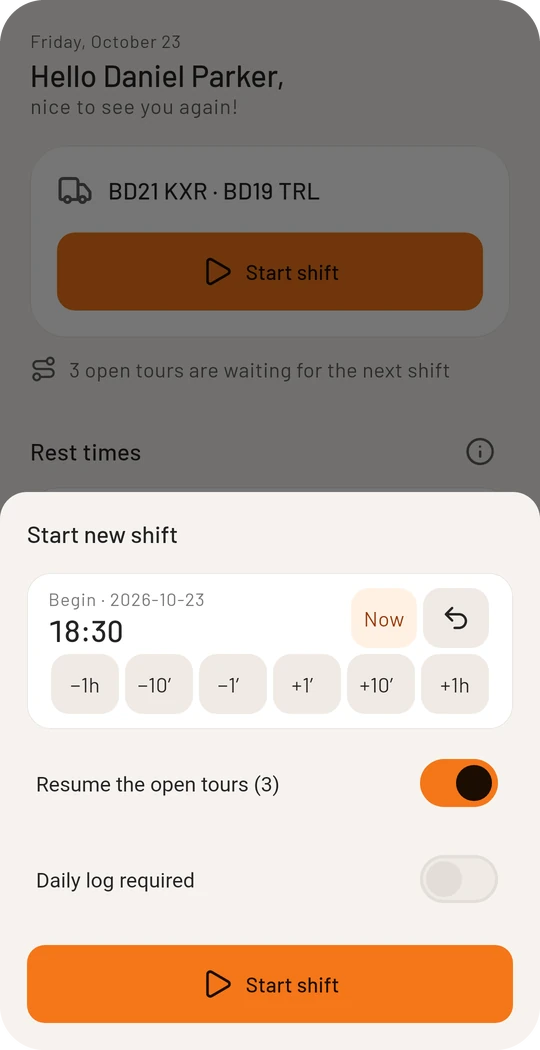
If you switch it off, the waiting tours are deleted, together with their loads. The app asks once more before that, because it cannot be undone.
Good to know
- A shift that still has waiting tours can only be deleted after they have been taken into the next shift.
- In proof mode the question about the night is skipped when you take tours along: you are on the road anyway.
- Multi-day tours also work on this device only, without an account.